

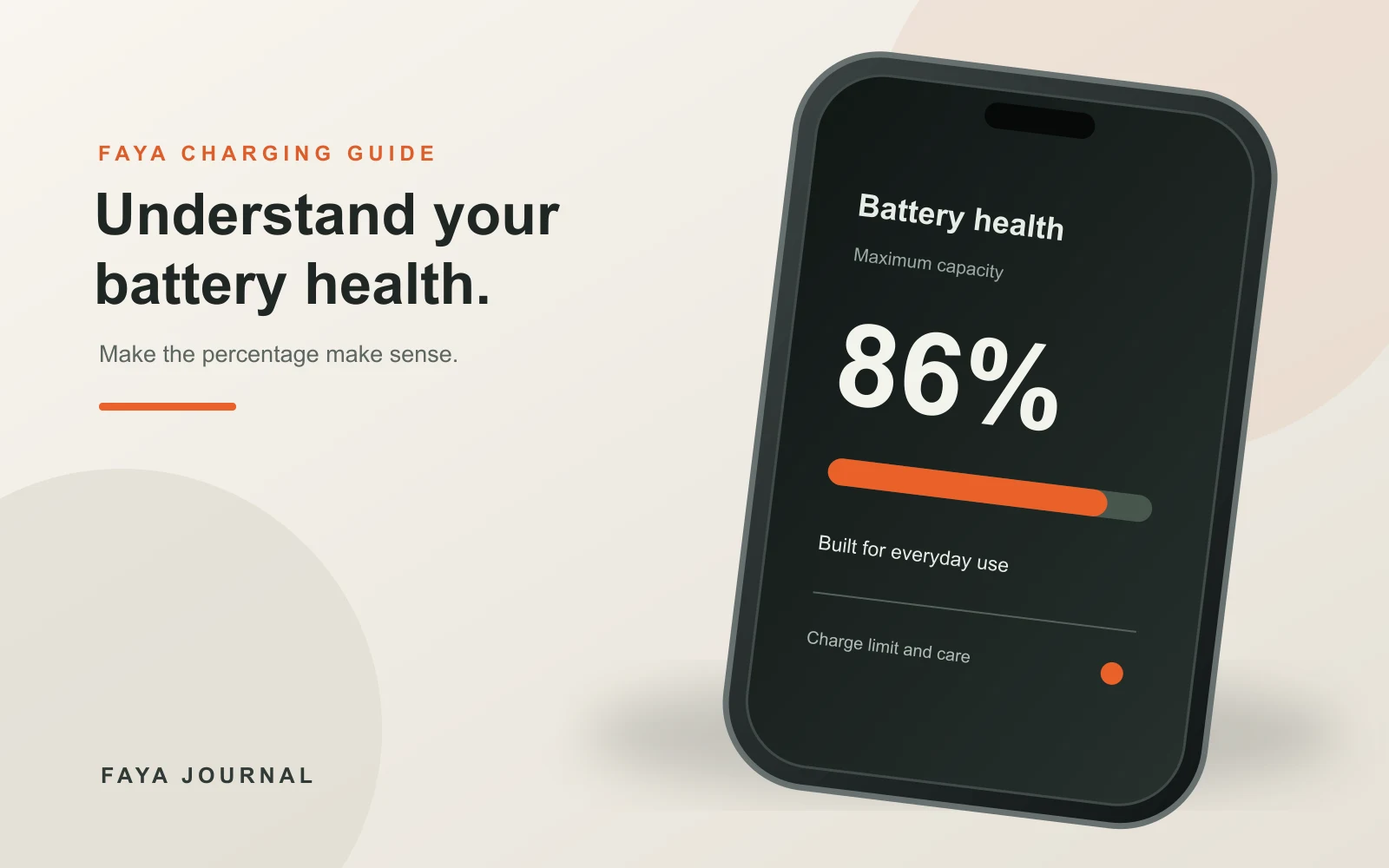
If you have checked iPhone battery health and seen a number below 100%, you may wonder whether your phone, charger or cable is failing. The number matters, but it is not a verdict on its own. Batteries age with use. The Battery Health screen estimates how much capacity your battery can hold compared with when it was new; it does not measure the quality of the cable in your hand. Understanding that difference helps you choose a useful next step instead of buying accessories or paying for a repair on a guess.
This guide explains where to find the reading, what it does and does not tell you, how charging habits affect battery wear, and when to seek service. It is written for people using iPhones in Nigeria, where a hot room, a warm car or an unreliable power source can complicate everyday charging. The device's own guidance takes priority over general advice. Apple changes settings between models and iOS versions, so use the labels you see on your phone.
What iPhone battery health measures
Apple describes maximum capacity as the battery's present capacity relative to when it was new. As the battery chemically ages, it may store less energy and give fewer hours between charges. A phone that once lasted until evening may now need a top-up earlier, even though its charger and cable still work perfectly. The percentage is an estimate of capacity, not a promise about how long your particular day of calls, video or navigation will last. Apple's battery and performance guide explains that device temperature, state of charge and battery impedance also influence performance.
Battery health and today's battery level are different readings. A phone can show 100% charge right now and 85% maximum capacity. The first number says how full the battery is relative to its present capacity; the second compares that capacity with a new battery. Likewise, an 80% charge limit is a setting for where charging stops, not an 80% health diagnosis. Mixing these numbers is a common source of unnecessary concern.
A complete charge cycle is not necessarily one plug-in session. Apple counts a cycle as using an amount of energy equal to the battery's capacity, even if that use is spread across several partial discharges and charges. You do not have to run the phone down to zero before charging to “complete” a cycle. Apple's current guidance says partial charging during the day does not harm the battery. The practical goal is reliable use with less avoidable heat and time spent fully charged, not a ritual of exact percentages.
Find the right screen on your iPhone
Open Settings, then Battery. The next menu varies with the model and software. On many iPhone 14 and earlier models, Apple directs users to Battery Health & Charging. On iPhone 15 and later, the Battery screen may show Battery Health and Charging as separate items. Follow the wording on your device rather than an old screenshot online. If you cannot find the menu, search Settings for “Battery Health” and check your iOS version before assuming a feature is missing.
Look at maximum capacity, any service message, and the information about performance or cycle count that your model displays. Do not compare numbers between two phones without considering their age, usage and software. A newly activated phone may even show slightly under 100%, according to Apple. If the reading changes after a software update, do not immediately conclude that a battery suddenly lost that much physical capacity overnight; Apple has previously documented recalibration on some models. Observe how the phone actually behaves and consult the model-specific support page.
Keep a simple note of the date, capacity reading and symptoms if you are concerned. “Battery falls from 60% to 20% during a 20-minute call” is more useful than “battery is bad.” Also record whether the phone unexpectedly shuts down, becomes unusually hot, or shows a service warning. Those details help Apple Support or a repair provider assess whether the issue is ordinary ageing, a software problem or a faulty battery.
When does a lower percentage require action?
There is no single percentage at which every iPhone becomes unusable. A lower number usually means shorter runtime, but your daily pattern matters. A person working near a charger may tolerate a capacity another person finds impractical. Apple states that iPhone 14 models and earlier are designed to retain 80% of their original capacity at 500 complete cycles under ideal conditions. Its guidance for newer models differs, so check the relevant model instead of treating that number as a universal warranty rule.
Consider service if the phone shows a battery service message, shuts down unexpectedly, cannot hold enough charge for your needs, or behaves unpredictably even after software and usage checks. A replacement battery may be the right answer when capacity loss is the real problem. Buying a more expensive charger cannot restore chemical capacity. If the problem is only that charging has recently become slow, follow our slow-charging diagnosis before blaming battery health. A failing cable, unsuitable adapter, debris or a hot device can change charging behaviour without changing the maximum-capacity number.
If the battery appears swollen, the screen lifts, the phone becomes very hot, or there is a chemical smell, stop using and charging it and seek qualified help promptly. Do not press the screen down, puncture the device or attempt a home battery repair. These physical signs need an assessment, regardless of what the percentage says.
How charging habits affect long-term wear
Apple's battery-care guidance identifies heat as an important factor in battery lifespan. It advises avoiding use or charging in ambient temperatures above 35°C. A warm afternoon in a parked car can exceed a comfortable indoor temperature quickly. Do not leave a charging phone on a dashboard or in direct sun. If your phone gets hot while charging, move it to a cooler, ventilated place and let it settle. Remove a case only if your phone maker advises it and doing so is safe for your setup.
Fast charging is not automatically harmful; the iPhone manages charging current and normally slows as the battery approaches full. Apple describes rapid charging to around 80%, followed by slower charging to reduce stress and heat. A higher-wattage adapter does not force that wattage continuously into the phone. The device negotiates and manages the power it uses. The useful question is whether the adapter and cable are compatible and sound, and whether the phone remains within a sensible temperature range. If the device becomes unusually hot, disconnect it and let it cool before investigating the charger, cable and charging conditions.
Avoid charging under a pillow or blanket. Covering a phone or adapter traps heat. Check for a damaged cable, loose plug or discoloured connector before use. A poor electrical connection can heat up, and no battery-health setting compensates for a damaged accessory. For a USB-C iPhone using a USB-C power adapter, a sound USB-C-to-USB-C cable is an appropriate part of the charging setup. The FAYA three-pack is for USB-C devices; an older Lightning iPhone needs the correct Lightning connection instead.
Optimised Battery Charging and charge limits
Optimised Battery Charging is designed to reduce how long the iPhone remains fully charged. Apple says the phone can learn a routine, pause near 80%, and finish closer to when you usually unplug it. If your charging pattern changes from day to day, it may not activate consistently. That is expected behaviour, not proof that the feature is broken. You can check the current menu under Battery settings and keep the feature on if it suits your routine.
On iPhone 15 and later, Apple offers a Charge Limit setting. You can choose a maximum percentage such as 80% to reduce wear when you often leave the phone connected for a long time. The exact options and menu can vary by iOS version. Apple says the phone may occasionally charge to 100% even when a lower limit is selected to keep the battery-level estimate accurate. Do not interpret that occasional full charge as a fault or as the setting being ignored.
Choose a limit that fits your day. If an 80% start leaves you short of power during a long commute, a higher setting or a full charge when needed may be more practical. Battery care is a tradeoff between potential long-term wear and usable runtime today. It does not require refusing to charge above 80% before every journey. Apple's settings exist to make the tradeoff easier, not to make ordinary charging something to fear.
For iPhone 14 and earlier, Optimised Battery Charging is the feature to look for; do not expect the same user-selectable limit menu on every model. Apple's charging-setting guide separates the menu paths for older and newer iPhones. If your model shows a different interface, use the on-device help or the latest Apple support page for that model.
Is overnight charging safe?
Apple says an iPhone automatically stops charging when it is fully charged, so keeping it connected overnight is safe under normal conditions. It also recommends unplugging when possible after a full charge and uses Optimised Battery Charging to reduce time spent fully charged. Those statements are compatible: overnight charging is not an emergency, while reducing unnecessary time at full charge may help longevity. Place the phone and adapter where heat can escape, and use undamaged, compatible accessories.
If an overnight charge leaves the phone unusually hot, or you see an accessory warning, do not assume that the behaviour is normal. Unplug it, let it cool, inspect the cable and adapter, and follow the manufacturer's advice. An older battery, a software task, a thick case, poor ventilation or a bad connection could affect temperature. The percentage in Battery Health alone cannot identify which one is responsible.
When the electricity supply is unpredictable, it may be tempting to leave the phone connected whenever power returns. You can still make a practical choice: use the charge limit if your model supports it and it works for you, avoid hot locations, and keep the charging area ventilated. Do not plug or unplug repeatedly just to chase a perfect number. Consistent safe equipment and temperature matter more than a precise personal charging schedule.
Why a cable can affect charging but not restore battery health
A worn cable can make charging intermittent or slow. That can feel like a battery problem because the phone is not ready when you need it. But a cable swap cannot increase the maximum-capacity percentage. Test with a known-good compatible cable and adapter if charging is unreliable. If the behaviour improves, retire the damaged accessory. If the phone still loses charge rapidly after a normal full charge, inspect battery usage and health, then seek support if the symptoms persist.
For a USB-C iPhone, our 2m USB-C cable three-pack offers a cable for each common charging location. It is rated 60W, which is above the power an iPhone typically requests, but the phone and adapter control actual charging power. Do not interpret the 60W cable rating as a promise that the iPhone will charge at 60W. If your device has a Lightning port, this cable will not fit; check the model before buying.
If a cable works for charging but not for a particular data or display task, that is a separate compatibility question. USB-C describes a connector, while data speed and video support depend on the cable and device specification. A battery-health screen is not a test for data capability. Keep these diagnostics separate so the fix matches the symptom.
Make sense of a sudden battery-life change
When an iPhone suddenly seems to last less time, first check Battery settings for which apps used power recently. A long video call, poor mobile signal, navigation, a software update or a bright display can change one day's runtime without a sudden change in battery capacity. Compare similar days rather than one heavy-use afternoon with a quiet weekend. Restart the phone if the maker's guidance suggests it, ensure software is current, and observe whether the pattern continues.
Check physical conditions too. Heat can reduce charging speed or pause charging; cold can temporarily affect apparent performance. Apple explains that some temperature-related effects are temporary and recover when the device returns to normal temperature. If the phone is consistently hot in a cool room, do not dismiss it as weather. Seek support, especially if heat is accompanied by shutdowns or visible damage.
Finally, decide what outcome you need. If the phone charges normally but runs out earlier than it used to, battery service may be relevant. If it will not accept charge through the port, diagnose the charging chain. If it lasts well enough and there are no warnings, a percentage lower than 100% may simply be normal ageing. The best next step comes from the symptom, not from the number alone.
FAQs
Is 80% iPhone battery health bad?
It means the maximum-capacity estimate is around 80% of the battery's capacity when new. You may notice shorter runtime, but whether it is unacceptable depends on your usage and any service message or unexpected shutdowns. Apple's model-specific cycle guidance is a design expectation under ideal conditions, not a universal verdict on one phone. Seek service advice if the phone no longer meets your needs.
Does charging to 100% ruin iPhone battery health?
No single full charge ruins the battery. Apple provides Optimised Battery Charging and, on supported newer models, Charge Limit to reduce time spent at full charge over the long term. Use those features when they suit you, and charge to 100% when you need the runtime. Avoid excessive heat and damaged accessories.
Why did my iPhone battery health drop suddenly?
The reported number is an estimate, and software changes or recalibration can affect what you see. Check whether the phone's actual runtime changed as well, record the reading and symptoms, and consult Apple Support if the change is large or accompanied by shutdowns or a service warning. Do not assume a charger caused the change without evidence.
Can a new charger improve maximum capacity?
No. Maximum capacity reflects the battery's current ability to store charge. A compatible charger and sound cable can improve an unreliable charging experience, but they cannot reverse chemical ageing. A battery replacement, where appropriate, addresses lost capacity. Diagnose the cable or adapter only if charging itself is slow or intermittent.
Should I turn on Optimised Battery Charging?
For most people it is a useful built-in way to reduce time spent at full charge. It learns a routine, so the pause near 80% may not appear every day, especially with irregular charging. Check your iPhone's Battery settings and use the feature if it works with your schedule. A charge limit is a separate setting on supported newer models.
Is it safe to charge my iPhone overnight in Nigeria?
Apple says overnight charging is safe under normal conditions because the phone stops charging when full. Use a suitable adapter and intact cable, keep the setup ventilated, and avoid charging on bedding or in excessive heat. If the phone, plug or cable becomes abnormally hot or damaged, unplug it and seek help.
Sources and review note
The battery-health definition and performance explanation come from Apple's iPhone battery and performance support. Charging behaviour, partial charges and temperature come from Apple's iPhone charging guide and battery-care guide. Charge Limit and Optimised Battery Charging guidance comes from Apple's charge-limit guide and optimised charging guide. Checked 1 November 2026; menus and model details should be rechecked before the scheduled publication date.