

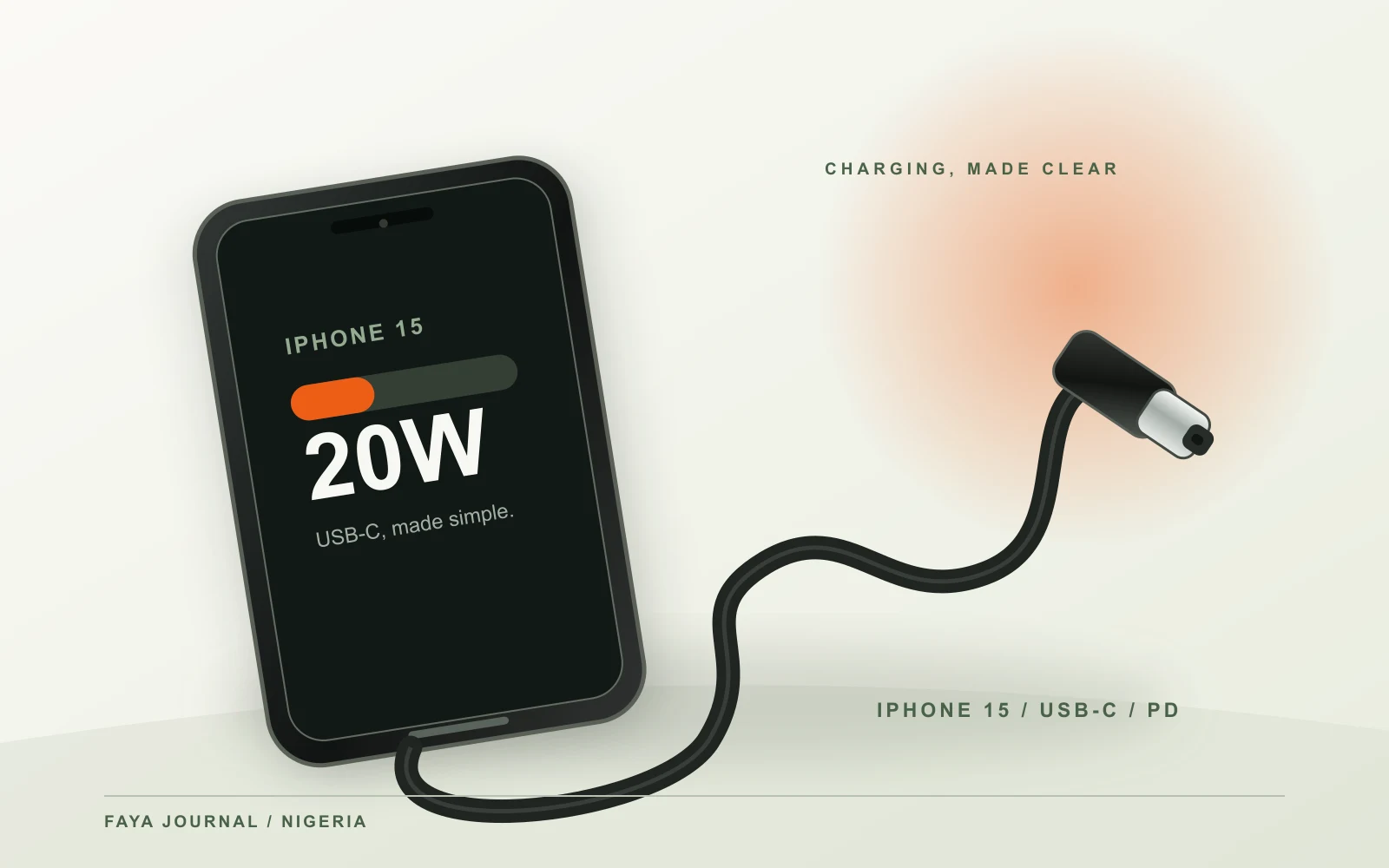
An iPhone 15 charger setup begins with one clear change from older iPhones: the iPhone 15 family has USB-C rather than a Lightning port. Apple includes a USB-C charge cable in the box, but no wall adapter. For wired fast charging, Apple says a compatible 20W-or-higher USB-C power adapter and a USB-C cable can charge an iPhone 15 to around 50% in roughly 30 minutes under its test conditions. Your result will vary with battery level, temperature and use. This guide helps you choose the right connector and adapter, understand when a 2m replacement cable makes sense, and avoid paying for a capability your iPhone will not use.
Check which iPhone you have before buying a cable
The phrase “iPhone charger” covers several generations with different connectors. iPhone 15 and later use USB-C. iPhone 14 and earlier use Lightning for wired charging. A USB-C-to-USB-C cable has the same type of plug at both ends and connects an iPhone 15 to a charger with a USB-C output. It will not fit a Lightning iPhone, and it will not plug into a charger's USB-A socket. If you are buying for another family member, check the phone itself or the model name in Settings before selecting a cable.
Apple's iPhone 15 technical specifications list USB-C for charging and say a 1m USB-C charge cable comes in the box. You may still want a longer cable for a bedside socket, desk or travel bag. The FAYA 2m USB-C-to-USB-C three-pack is an option for a compatible iPhone 15 charging setup: three black cables, each rated up to 60W at 20V/3A. A charger is sold separately. The cable's 60W rating is headroom, not a claim that an iPhone 15 charges at 60W.
If you already own a USB-C cable, check its condition before replacing it. A cable with a bent plug, frayed jacket, intermittent connection or exposed conductor should be retired. If the included 1m cable works reliably and reaches your socket, there may be no immediate reason to buy another. Convenience and a safe spare are valid reasons to choose a longer pack, but they are different from a guaranteed speed increase.
What adapter does iPhone 15 need for fast charging?
Apple's model-specific technical page says the iPhone 15 is fast-charge capable with a 20W adapter or higher paired with a USB-C charging cable. Apple's general fast-charge guidance says a comparable third-party USB-C adapter should support USB Power Delivery. A higher number on a charger can be useful for sharing the adapter with other devices, but it does not mean the iPhone will draw that number continuously. The phone negotiates a compatible level and can reduce its rate as the battery fills or becomes warm.
Look at the port on the adapter. A USB-C output works with a USB-C-to-USB-C cable. A USB-A output requires a different cable and may not offer the same Power Delivery charging path. Do not choose a cable solely by the phone end while forgetting the charger end. If you already have a sound 20W-or-higher USB-C PD adapter, a replacement USB-C cable may be all you need. If your only wall adapter is USB-A, you must decide whether to keep that slower setup with the right cable or change to a compatible USB-C PD adapter.
Read the adapter's output label rather than accepting “fast charge” in a product title. A legitimate label shows input and output information. If the adapter has two USB-C ports, it may divide output when a second device is connected. Check its single-port and shared-port table. An adapter advertised as 65W total is not necessarily giving 65W to the phone, nor does the iPhone require 65W for Apple's stated iPhone 15 fast-charge condition. Buy the extra capacity only if it serves another device or a useful multi-port arrangement.
How to read Apple's 50% in about 30 minutes claim
Apple's figure comes from controlled testing with a drained device, a suitable cable and adapter, and specific conditions. It is not a guaranteed time from every starting percentage. Charging usually slows as the battery approaches full. A phone at 75% may take longer to reach 100% than a simple extrapolation from the first half suggests. Temperature, active apps, screen use and battery settings affect the result. Comparing a charge from 15% to 45% with one from 75% to 100% can make the same equipment appear inconsistent.
For a fair home comparison, note the starting percentage, connect to a known-good wall socket, leave the screen mostly off, and check again after fifteen or thirty minutes. Repeat at a similar starting percentage after changing only one item, such as the cable. If a different cable consistently changes the result, the original cable becomes a stronger suspect. If both behave alike, inspect the adapter, port, settings and temperature. Our slow-charging diagnosis explains that test in more detail and becomes available before this guide's scheduled date.
If charging slows near 80%, check whether the phone is intentionally managing its battery. Apple says iPhone can use a faster charging phase up to roughly 80% and a slower phase thereafter. It also offers Optimized Battery Charging and charge-limit settings on iPhone 15 models. A pause at a set limit may be the chosen behaviour, not proof that the USB-C cable is weak. The battery settings screen tells you more than a charger advertisement does.
Wired charging, MagSafe and wireless charging are different choices
The iPhone 15 can charge through its USB-C port or wirelessly with compatible accessories. Apple lists MagSafe and Qi wireless charging support in the iPhone 15 specifications. The power requirements and speed claims for a wireless charger are not identical to those for a wired USB-C charger. If you want the wired fast-charge setup described above, use the USB-C cable and a suitable USB-C PD adapter. If you want the convenience of a wireless stand, check the charger's own standard and its required wall adapter.
Wireless charging can be convenient at a desk or bedside, but alignment matters. A phone that repeatedly slips off a pad may interrupt charging. Cases, nearby metal accessories and heat can affect the experience. A wired cable is less sensitive to alignment, though it depends on a clean, intact port. There is no need to claim that one method is always best for everyone. Choose based on where the phone sits, what charger you already own and whether you need to use the phone while it charges.
When travelling, do not confuse a plug converter with a charger. A passive travel adapter changes the plug shape; it does not change the output protocol or make a USB-A port into USB-C Power Delivery. Check the wall adapter's input rating and condition before using it in Nigeria. Avoid loose socket adapters and damaged extension leads. The cable's rating cannot compensate for an unsafe mains connection.
Does the iPhone 15 charging cable need to be 60W?
An iPhone 15 charging cable does not need to deliver the full 60W of FAYA's cable rating to support the phone's compatible charging mode. The rating indicates the cable's maximum supported path under its stated specification. It can also be useful if you share the cable with another compatible device within 20V/3A. The important checks are USB-C at both ends, a sound connector, suitable current rating and a compatible adapter. A cable advertised as 100W or 240W will not automatically make an iPhone 15 charge faster than a correctly made lower-rated cable.
Do not infer data speed or video support from a wattage label. Apple's included iPhone 15 cable supports charging and can connect to a computer for data, but third-party cables vary. FAYA's current 60W listing does not specify a data-transfer speed or video-output capability. If you plan to move large videos, connect to a monitor or use a specialist dock, choose a cable whose stated data or display specification meets that need. For everyday wall charging, the charging rating and connector match are the immediate questions.
Cable length changes reach, not the phone's charging protocol. A two-metre cable can keep the phone comfortably on a desk instead of dangling from a wall outlet. Lay it so it does not catch on a chair or put constant strain on the port. Do not pull the device by the cord. If you leave a spare cable in a bag, protect the connectors from dirt and crushing. The practical benefit of a three-pack of FAYA 2m cables is having an appropriate USB-C cable in more than one place, not an unsupported promise of a faster charging time.
What to check if an iPhone 15 will not charge
First, look for a charging symbol or on-screen warning. Check the outlet and adapter with safe, known-good equipment. Inspect the cable for damage and make sure the USB-C plug seats fully without forcing it. A case can occasionally obstruct a plug; remove the case for one test if the connector visibly cannot seat. If the iPhone reports liquid detection or temperature trouble, stop and follow Apple's device instructions rather than continuing to reconnect the same accessories.
If a known-good cable and adapter work on another compatible device but not on the iPhone, the phone's port or software may need attention. If only one cable fails while another works with the same adapter and phone, replace the failing cable. Do not scrape a port with a metal tool or pour liquid into it. If debris is visible, consult Apple's cleaning guidance or seek authorised service. A damaged port cannot be repaired by a stronger wall adapter.
If the phone charges but the battery percentage does not rise during heavy use, put it down with the screen off for a controlled check. A demanding app can consume part of the incoming power and create heat. If the phone is hot, move it to a cooler place and allow its safeguards to work. Apple notes that charging may be limited when the iPhone gets too warm. Persistent failure with a suitable known-good setup warrants Apple support, especially if the battery or port shows physical damage.
A short buying checklist for Nigeria
Confirm the phone is an iPhone 15, 15 Plus, 15 Pro or 15 Pro Max, not an older Lightning model. For wired charging, choose a USB-C cable and a compatible USB-C PD adapter of at least the power Apple specifies for the fast-charge result you want. Check the adapter's output on the specific port and its shared-power behaviour if it has multiple ports. Buy a cable with a clear rating and intact connectors. Decide whether you need extra length, spare cables, high-speed data or video support; those are separate purchase decisions.
When evaluating an online listing, look for the precise connector at both ends, cable length, electrical rating, warranty and what is actually included in the package. A product photo showing a charger beside a cable does not mean the charger is included. FAYA's current offer is three 2m USB-C-to-USB-C cables without a wall charger. That offer suits a customer who already has an appropriate USB-C output adapter or will buy one separately. It does not suit an iPhone with a Lightning port or a USB-A-only charger without a different cable.
After purchase, test the setup before discarding packaging. Connect directly to a sound outlet, note the phone's charging message and check for unusual heat. Keep the order confirmation for warranty support. A clear compatibility check before payment is less frustrating than guessing from a headline and discovering that the plug fits only one end of the setup.
Frequently asked questions
What is the right iPhone 15 charger for fast wired charging?
Apple specifies a 20W-or-higher USB-C adapter with a USB-C charging cable for its iPhone 15 fast-charge test. A comparable third-party adapter should support USB Power Delivery. Check that both the adapter output and cable connector are USB-C, then confirm the actual adapter specification. A higher-rated multi-port charger can be useful for other devices but does not force the iPhone to take its full rating.
Can I use my old iPhone Lightning cable with iPhone 15?
No. The iPhone 15 family has a USB-C connector; older Lightning cables have a different phone-end plug. If your existing wall charger has USB-C output, use a USB-C-to-USB-C cable. If it has USB-A output, you need a cable with USB-A at the charger end or a new suitable USB-C adapter. Check the exact connector before buying.
Will a 60W USB-C cable charge iPhone 15 safely?
A correctly made 60W, 3A USB-C cable is within a higher cable power category than the phone needs for Apple's stated 20W-or-higher wired fast-charge setup. The iPhone and compatible adapter control the actual charging power. Confirm that the cable has USB-C at both ends and is undamaged. A 60W label alone does not certify data speed, video support or a particular charging time.
Why does iPhone 15 stop at 80% or charge slowly near full?
Check the iPhone's Charging settings for Optimized Battery Charging or a charge limit. Apple also says charging can slow after about 80% and may pause when the phone becomes too warm. These behaviours can protect the battery. If there is an unusual warning or it stops far below your chosen limit, use Apple's troubleshooting guidance.
Is a two-metre cable worse than a one-metre cable for iPhone 15?
Length alone is not a reliable speed verdict. Use a cable that is correctly rated and sound, and test with the same adapter and battery range if you suspect a difference. A 2m cable offers practical reach, but it should not be bent sharply or placed under constant tension. Data and video requirements, if any, need separate checking.
Sources and further reading
The model-specific statements above come from Apple's iPhone 15 technical specifications, Apple's fast-charge guidance, Apple's explanation of iPhone charging behaviour, Apple's charge-limit guidance and Apple's won't-charge troubleshooting page. Confirm your exact model, software and adapter specifications before buying a replacement.